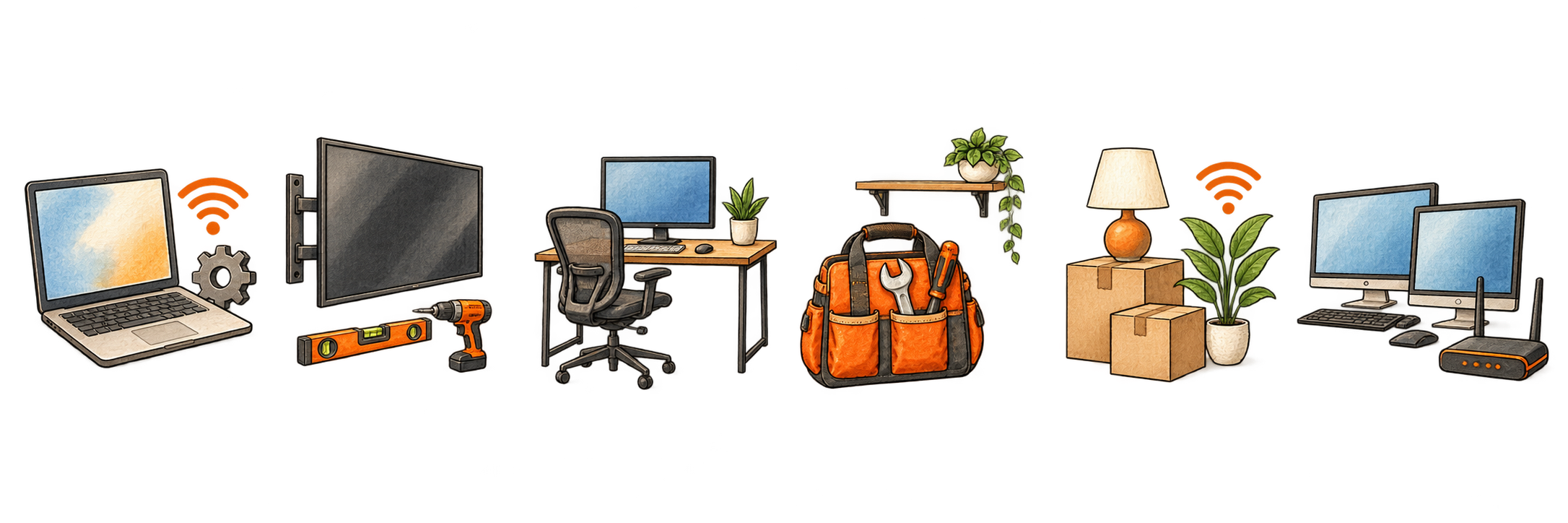
Workspace Assembly
Desks, chairs, shelving, monitor arms, wall-mounted monitors, and office accessories.
 Request service
From boxes to working
A new home or workspace comes with a long list of things to assemble, mount, connect, configure, hang, and make functional. Give us the list.
Request serviceHave a desk, two monitors, docking station, printer, webcam, and laptop sitting in boxes? We’ll build the workspace and get the technology working.
Desks, chairs, shelving, monitor arms, wall-mounted monitors, and office accessories.
PCs, laptops, multiple monitors, docking stations, keyboards, webcams, headsets, and peripherals.
Reliable workspace connectivity, router setup, device connections, and weak-signal troubleshooting.
Printers, scanners, Microsoft 365, Outlook, OneDrive, Teams, software, accounts, and updates.
Turn the pile of wires behind the desk into something organized, accessible, and considerably less ugly.
Furniture, TVs, Wi-Fi, smart-home equipment, shelving, pictures, cameras, and other move-in projects.
One coordinated setup
Turn the collection of boxes and unfinished tasks into a functioning home—Wi-Fi, TVs, furniture, shelving, pictures, devices, and the practical details that make the space usable.
Create a comfortable, reliable workspace with the desk, chair, monitors, docking station, printer, webcam, lighting, connectivity, and cable management working together.
Upgrade a spare room, improve an uncomfortable setup, add equipment, solve connection problems, or reorganize a workspace that grew one device at a time.
The complete setup
A productive office depends on the furniture, technology, network, accounts, and everyday details all working as one system. Sisell Solutions can handle the physical setup and the technology configuration in the same visit.
Send us your listDesks, chairs, shelving, lighting, monitor arms, and comfortable equipment placement.
Laptops, desktops, docking stations, multiple monitors, keyboards, webcams, and headsets.
Wi-Fi, printers, Microsoft 365, Google Workspace, email, cloud storage, and device connections.
Cable routing, labeling, wall mounting, updates, testing, cleanup, and a clear explanation of the finished setup.
How we plan the visit
Send photos, measurements, product links, and the list of what needs to be assembled, mounted, or connected.
We identify likely compatibility issues, mounting details, materials, and the visit length that fits the work.
Furniture and equipment are assembled, positioned, connected, configured, and organized.
We confirm the devices, accounts, network, printer, audio, video, and accessories work together before we leave.
Frequently asked questions
Yes. Product links, room photos, measurements, and a list of equipment help us plan placement, compatibility, mounting needs, and the right visit length before boxes arrive.
No. We can assemble and configure items directly from their boxes. Clearly labeling the equipment and keeping the workspace accessible helps the visit move efficiently.
Yes, provided you are authorized to use and configure it. Employer-managed security settings or accounts may still require approval or assistance from the company’s IT department.
Yes. We can route, bundle, label, and secure cables while keeping power supplies and connections accessible for future changes. In-wall electrical work is outside our scope.
Absolutely. A half-day or full-day visit can combine the office with TVs, Wi-Fi, furniture, shelving, pictures, smart-home devices, and other move-in projects.
Half-Day Solutions—$350 for up to four hours. Full-Day Solutions—$650 for up to eight hours.